
I
have seen a few posts on Facebook recently asking the same thing....
How
do I find my spam folder?
Facebook, in it's wisdom, decides what posts are 'spam' and what's not, their idea of spam may not be the same as yours. You may be missing out on posts, comments or likes because of this so you need to check your spam folder. Do you know where it is?
It's one of those things that's frustrating if you don't know but so easy when you do know.
It's one of those things that's frustrating if you don't know but so easy when you do know.
So
for those of you who have a facebook business page and don't know the answer,
here it is -
1. Go to your Facebook Business Page and
open your Admin panel.
Click on Edit Page, (top right) then select “Use Activity
Log” from the dropdown menu


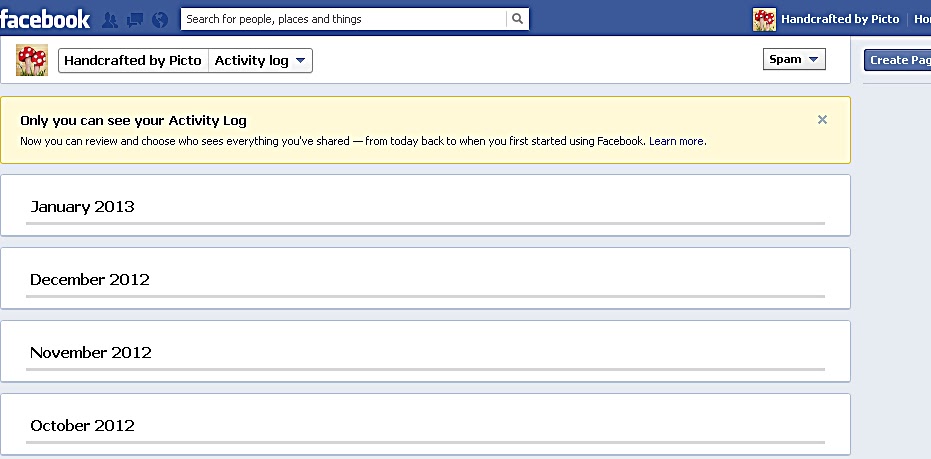
See, it's easy peasy when you know how........
I hope this helps
Jan x
